Tag: shopify

  • Shopify Product Pages: Why Yours Aren’t Converting (And How to Fix Them)

    Shopify Product Pages: Why Yours Aren’t Converting (And How to Fix Them)

    Shopify product pages play a bigger role in conversions than most store owners realise. You can have strong ads and steady traffic, but if your product pages don’t clearly communicate value, build trust, and guide action, sales will stall. This article breaks down why most Shopify product pages aren’t converting — and what needs to change.

    A product page has one job: turn interest into confidence, then confidence into action.

    If it fails at any step, visitors hesitate, scroll, and leave.

    Let’s break down why most Shopify product pages underperform, and what they’re missing.


    1. Your Product Page Explains What It Is, Not Why It Matters

    Many product pages read like a spec sheet.

    Materials. Dimensions. Features. Bullet points.

    Useful? Yes.
    Persuasive? Not enough.

    Shoppers don’t buy features. They buy outcomes. They want to know:

    • How does this improve my life?
    • What problem does this solve for me?
    • Why is this better than the alternatives?

    If your product description doesn’t quickly answer “why should I care?”, you’ve already lost attention.

    Related read: Why Most Shopify Stores Don’t Convert (And It’s Not Your Ads)


    2. Unclear Value Propositions on Shopify Product Pages

    When someone lands on your product page, clarity must come first.

    However, many pages hide the value behind:

    • long paragraphs
    • generic headlines
    • marketing fluff that says everything and nothing

    Visitors should immediately understand:

    • who the product is for
    • what makes it different
    • why it’s worth the price

    If they need to scroll to figure that out, friction creeps in.


    3. You’re Not Building Enough Trust

    Online shopping is built on trust, especially for lesser-known brands.

    Yet many product pages lack:

    • social proof (reviews, testimonials, UGC)
    • clear shipping and returns information
    • reassurance around quality and support

    Without trust signals, hesitation grows.
    And hesitation kills conversions quietly.

    Even a great product won’t sell if buyers feel uncertain about delivery, returns, or legitimacy.
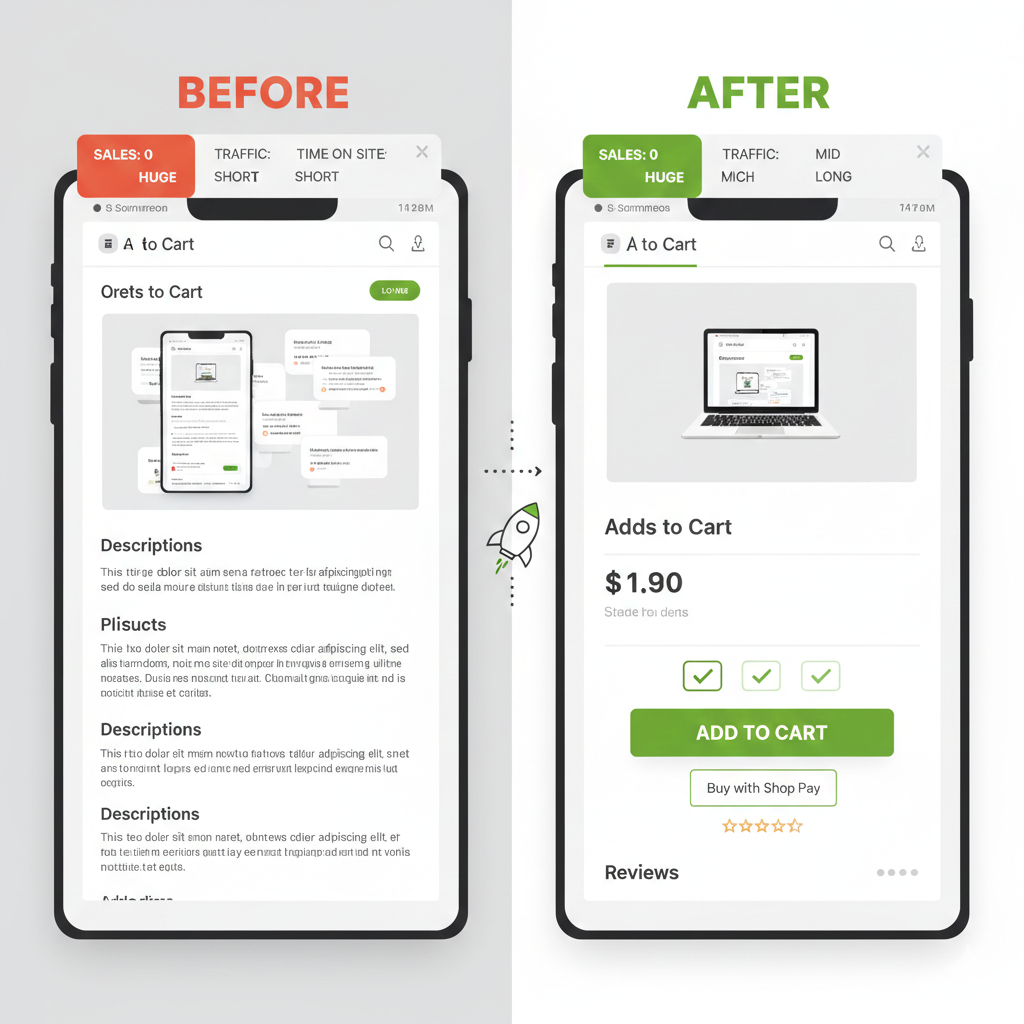

    4. Your Mobile Experience Is Working Against You

    Most Shopify traffic is mobile.
    Many product pages are still designed desktop-first.

    Common mobile issues include:

    • oversized images pushing key info too far down
    • long blocks of text that feel exhausting to read
    • add-to-cart buttons that disappear while scrolling

    If your product page is frustrating on a phone, users won’t “power through.”
    They’ll exit.


    5. Poor CTA Timing on Shopify Product Pages

    Timing matters.

    Some product pages push “Add to Cart” before trust and value are established.
    Others bury the CTA after endless content.

    A strong product page guides users:

    • first with clarity
    • then with reassurance
    • finally with a confident, visible call to action

    Conversion is a sequence, not a single button.


    The Real Fix: Treat Product Pages as Sales Pages

    Your product page isn’t a catalog entry.
    It’s a salesperson that works 24/7.

    When it explains clearly, builds trust, and removes friction, ads suddenly “work better” — without changing the ads.

    That’s not magic.
    That’s fundamentals.


    Need a Shopify developer or specialist to audit and improve your product pages? Reach out and let’s see how we can improve your store.

  • Why Most Shopify Stores Don’t Convert (And It’s Not Your Ads)

    Why Most Shopify Stores Don’t Convert (And It’s Not Your Ads)

    Let’s get this out of the way early: if people are landing on your store but not buying, ads are rarely the real problem.

    Ads get blamed because they’re visible. You see the spend. You see the clicks. When sales don’t follow, it feels logical to point the finger there. But in most Shopify stores, ads are just the messenger. The real issues live on the store itself.

    And they’re usually boring, unsexy, and very fixable.

    Traffic Is Not the Same as Intent

    Not all clicks are equal. A lot of Shopify stores technically get “traffic,” but that traffic isn’t being guided anywhere.

    People land. They scroll a bit. They hesitate. Then they leave.

    Why? Because the store doesn’t answer three basic questions fast enough:
    What is this?
    Is this for me?
    Why should I trust it?

    If a visitor has to think too hard to figure those out, you’ve already lost them. Attention online is fragile. Confusion kills conversion.

    Related read: 5 Shopify SEO Fixes Every Store Should Implement Today

    Your Homepage Is Trying to Do Too Much

    Many Shopify homepages are trying to be everything at once. Brand story. Product catalog. Lifestyle magazine. Mission statement. Five popups fighting for attention.

    The result is noise.

    A good homepage doesn’t explain everything. It funnels people forward. It should clearly communicate what you sell, who it’s for, and what to do next. If the primary action isn’t obvious within the first few seconds, most visitors will bounce without ever seeing your products.

    Product Pages Aren’t Pulling Their Weight

    This is where conversions actually live, and it’s where most stores underperform.

    Common problems show up again and again:
    Product descriptions that describe features but not outcomes
    No social proof, or reviews buried too far down
    Weak imagery that doesn’t show the product in use
    CTAs that don’t stand out or feel urgent

    A product page isn’t a spec sheet. It’s a sales conversation. If it doesn’t reduce doubt and build confidence, it’s silently leaking revenue.

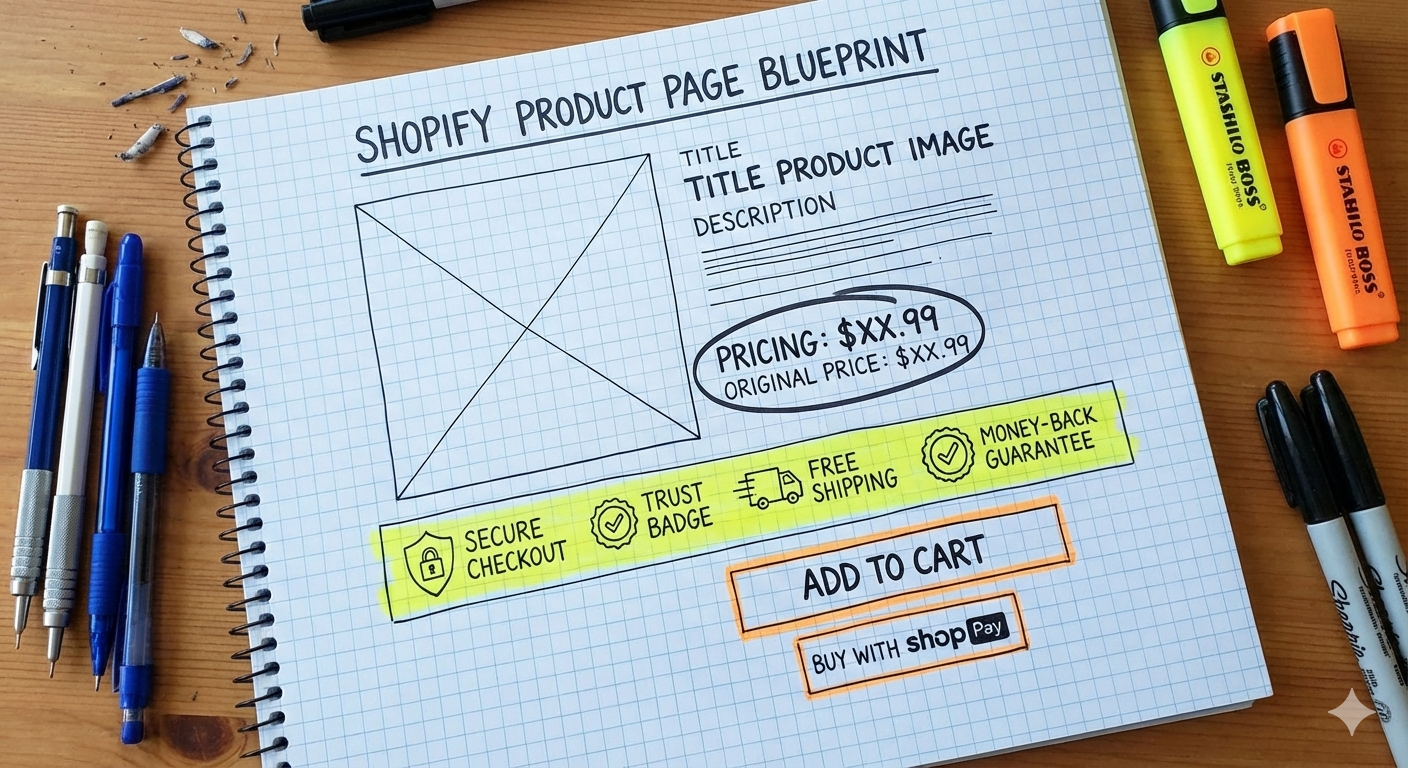
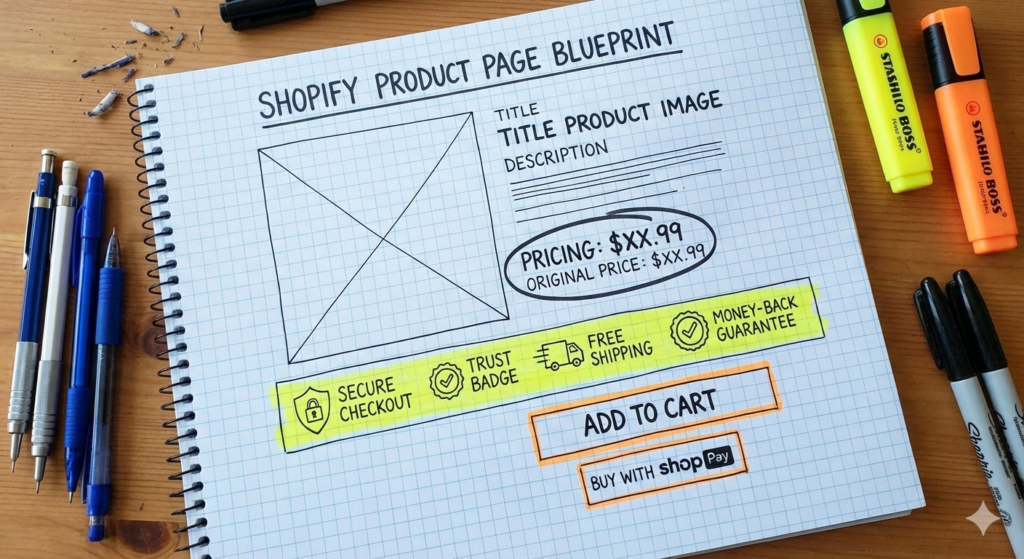
    A simple Shopify product page wireframe highlighting trust badges, CTA buttons, and pricing in a drawing pad like it's a blueprint. Pens, highlighters, and markers are on the table.
    Why Most Shopify Stores Don’t Convert (And It’s Not Your Ads)

    Trust Is Missing (Or Hard to Find)

    You might be legit. Your visitors don’t know that.

    Trust signals are often an afterthought on Shopify stores, but they matter more than people want to admit. Shipping clarity, returns policy, contact information, reviews, and even basic design polish all contribute to whether a store feels safe to buy from.

    When trust is missing, price sensitivity goes up. People hesitate longer. Cart abandonment increases. Not because the product is bad, but because uncertainty creeps in.

    Speed and Friction Are Quiet Conversion Killers

    Slow load times don’t just annoy people. They change behaviour.

    Every extra second a page takes to load increases drop-off. Every unnecessary step in the buying process adds friction. Excessive apps, bloated themes, and clunky checkout flows quietly sabotage otherwise good products.

    The painful part is that store owners often don’t notice these issues because they’re already used to them. First-time visitors are not.

    Ads Can’t Fix a Broken Funnel

    Here’s the uncomfortable truth:
    ads amplify whatever is already there.

    If your store converts well, ads scale it.
    If your store converts poorly, ads just burn money faster.

    That’s why increasing ad spend without fixing fundamentals feels like pushing harder on a door that’s locked. The solution isn’t louder traffic. It’s a smoother path from landing to checkout.

    Conversion Is About Clarity, Not Tricks

    High-converting Shopify stores aren’t magical. They’re clear.

    Clear messaging.
    Clear product positioning.
    Clear next steps.

    They remove doubt instead of adding distractions. They respect the visitor’s time and decision-making process.

    That’s the work that moves the needle. Not another ad campaign. Not another app. Not another “one weird trick.”

    Need a Shopify developer / specialist to fix your store’s conversion issues?

    Reach out and let’s see how we can improve your store.
  • 5 Shopify SEO Fixes Every Store Should Implement Today

    5 Shopify SEO Fixes Every Store Should Implement Today

    Search engines don’t respond to guesswork—they respond to structure. Shopify gives you a strong baseline, but a handful of small technical adjustments can dramatically strengthen how your store is crawled, interpreted, and ranked. These five essentials are simple enough for beginners and impactful enough for experts.

    1. Set Up Proper Collection Pagination Links

    Shopify paginates collections, but the theme must expose proper pagination tags. You want <link rel="next"> and <link rel="prev"> in your <head> so Google understands the sequence. Without them, crawlers may treat every paginated page as separate, fragmented content, which weakens authority.

    A clean pagination system boosts crawlability and preserves SEO equity across large collections.

    2. Optimise Your Products and Store URLs

    Shopify keeps URLs mostly clean, but there are a few manual improvements that matter.

    • Avoid unnecessary redirects when linking internally—use /products/your-product instead of full absolute URLs.
    • Keep product handles short and meaningful.
    • Avoid rewriting product URLs unless absolutely necessary.

    Technical clarity helps search engines map your site without burning crawl budget.

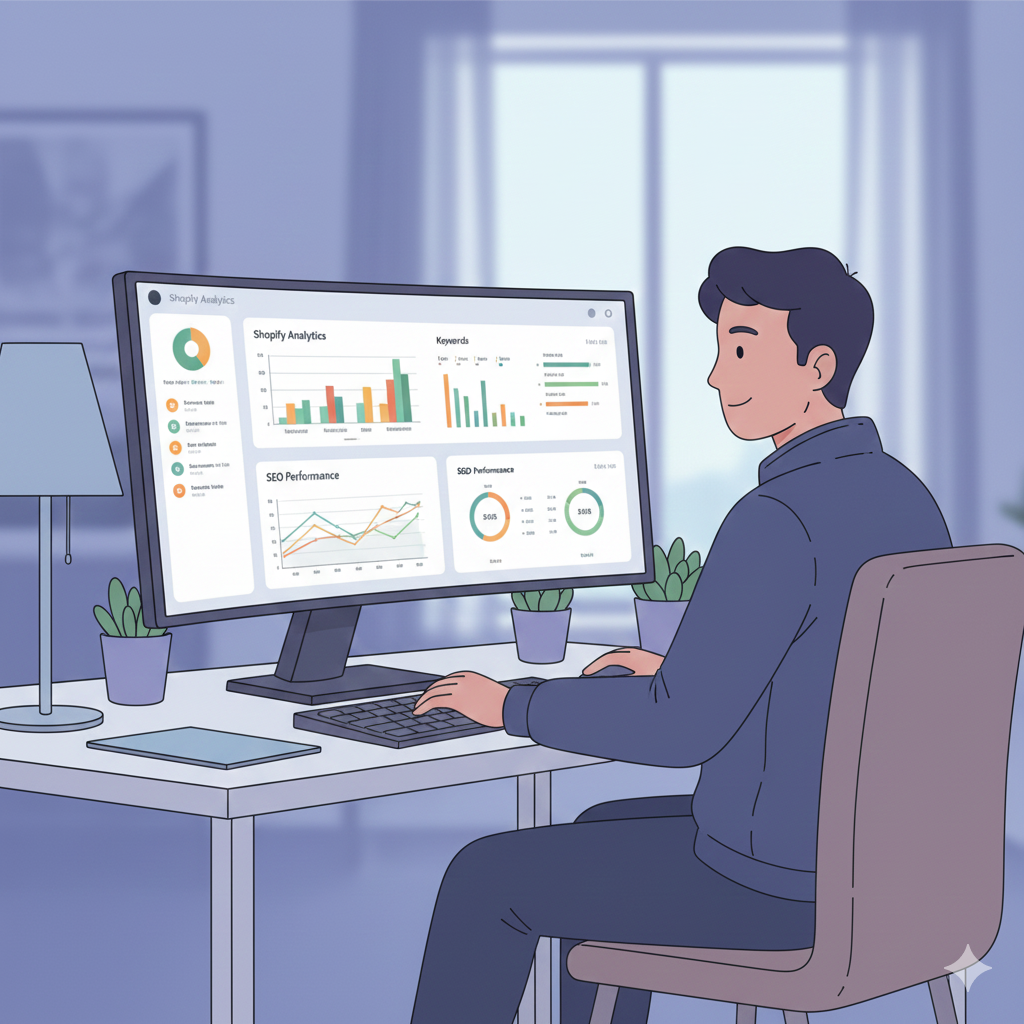
    A confident male ecommerce specialist working at a modern desk setup, large monitor displaying Shopify analytics and SEO dashboards

    3. Use Heading Tags Properly (H1, H2, H3…)

    Heading hierarchy is semantic language for search engines.

    • One clear H1 per page.
    • H2s to introduce sections.
    • H3s for supporting detail.

    This improves readability, accessibility, and machine interpretation. Broken hierarchy signals sloppy content, which hurts both UX and ranking potential.

    4. Add or Repair Your LD+JSON Schema

    Structured data is how you “talk” directly to search engines.

    Product schema, breadcrumbs, organisation schema—Shopify supports many of these, but themes often miss pieces or include duplicates. Validate your markup with Google’s Rich Results Test. Clean, complete schema increases your chances of earning rich snippets like prices, ratings, and availability.

    A Shopify expert isn’t just technical—they’re business-aware.
    You need to understand:

    • conversion paths
    • customer funnels
    • product merchandising
    • fulfillment workflows
    • payment behavior
    • store analytics

    Read: The Top 5 Things You Need to Know to Be a Shopify Expert

    5. Compress and Properly Tag Images

    Speed and clarity are an SEO double-hit.

    • Always compress images (WebP or AVIF preferred).
    • Set descriptive alt tags—not keyword stuffing, just clear identification.
    • A faster store with accessible imagery improves both rankings and conversions.

    This small discipline pays off immediately.


    SEO is never a single switch—it’s a collection of subtle improvements that add up. Once these foundations are in place, you unlock space for deeper wins: performance tuning, internal linking strategy, and long-form content that actually ranks.

    Need help with your site? Reach out to me.

    Send me a message via www.iconjen.com or email me at hello@iconjen.com.

  • The Top 5 Things You Need to Know to Be a Shopify Expert

    The Top 5 Things You Need to Know to Be a Shopify Expert

    Becoming a Shopify expert isn’t just about knowing how to use the platform. It’s about understanding how ecommerce works, how merchants think, and how to build solutions that actually move a business forward. Whether you’re a developer, freelancer, or aspiring consultant, these five fundamentals form the core of true Shopify expertise.

    1. Master the Shopify Ecosystem

    Shopify isn’t a single tool—it’s an ecosystem.

    Themes, apps, APIs, checkout, Markets, POS, admin workflows, metafields, and integrations all work together. An expert understands how these pieces connect and where each one fits into a merchant’s operations.

    Knowing the platform’s limitations is just as important as knowing its capabilities. Shopify is powerful, but not magic—and the best experts guide merchants toward realistic solutions.

    2. Understand Liquid, JavaScript, and Theme Architecture

    Every real Shopify customisation revolves around Liquid (Shopify’s templating language), solid frontend skills, and an understanding of Online Store 2.0. Experts know:

    • how Shopify renders data
    • where to place logic
    • how to avoid code bloat
    • how to maintain fast-loading, stable themes
    • how to write clean, scalable section and block code

    If you can build or modify a theme without relying on heavy apps, you’re already ahead of most developers on the market.


    3. Learn How Shopify Businesses Operate

    A Shopify expert isn’t just technical—they’re business-aware.
    You need to understand:

    • conversion paths
    • customer funnels
    • product merchandising
    • fulfillment workflows
    • payment behavior
    • store analytics

    Merchants value experts who solve real problems, not just technical ones. If you can connect your development work to revenue, efficiency, or customer experience, you become indispensable.

    Shopify often requires a mix of:

    • UX/UI knowledge
    • Design sense
    • CRO expertise
    • API integrations
    • Store operations understanding

    4. Know When to Use Apps and When to Custom Build

    Apps are part of Shopify’s DNA, but relying on them for everything leads to bloated, slow stores. A true expert knows:

    • which apps are reliable
    • when to replace an app with custom code
    • how to integrate apps without breaking theme performance
    • how to evaluate app permissions and security

    The goal is to create a balance—flexibility without compromising speed, privacy, or maintainability.

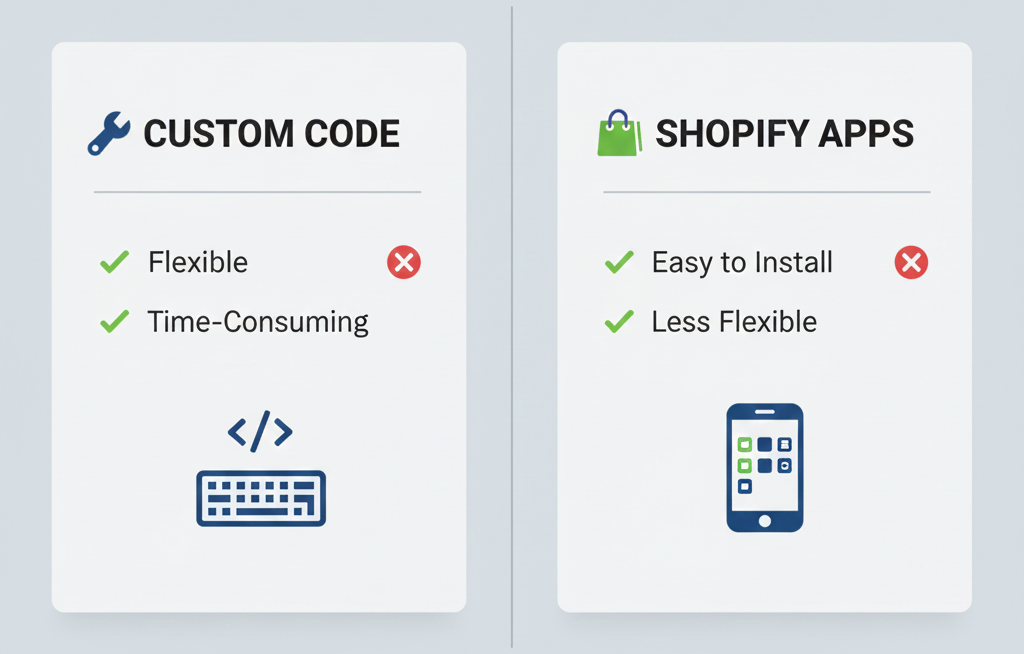
    Split-screen comparison of custom code vs Shopify apps, modern vector design, clean icons, simple and professional.

    5. Stay Updated—Shopify Changes Fast

    Shopify evolves at a relentless pace. New APIs, checkout rules, theme requirements, admin features, and performance guidelines roll out constantly. Experts stay ahead by keeping up with:

    • Shopify changelogs
    • Unite/EDITION announcements
    • API deprecations
    • theme updates
    • new best practices

    Outdated knowledge leads to fragile builds. Updated knowledge leads to future-proof solutions.


    Final Thoughts

    Becoming a Shopify expert isn’t about memorizing features—it’s about understanding how to use the platform to support business growth. Master the ecosystem, learn the tech, understand merchants, make smart build decisions, and keep yourself updated. That combination is what sets real experts apart.

  • The Pros and Cons of Having an In-House Shopify Developer

    The Pros and Cons of Having an In-House Shopify Developer

    As more businesses rely on Shopify to power their online stores, the question eventually comes up: Should you hire an in-house Shopify developer? It sounds like the perfect solution—instant access to expertise, faster changes, full control—but the reality has more layers.

    Here’s a balanced breakdown to help you decide whether bringing a developer into your internal team is the right move.

    The Pros

    1. Faster Turnaround and On-Demand Support

    When your developer is part of your team, you’re not waiting in line behind other clients.

    Small fixes, theme adjustments, integrations, and urgent issues can be handled immediately.

    For fast-moving brands, this agility is a massive advantage.

    2. Deep Understanding of Your Business

    An in-house developer isn’t just coding—they’re learning your brand, your customers, your operations, and your long-term goals.

    They design solutions that fit your unique workflows instead of generic one-size-fits-all implementations.

    3. Better Collaboration Across Teams

    Marketing wants a landing page tweak? Operations needs an automation? Customer service wants a feature adjusted?

    An internal developer bridges all departments, reducing bottlenecks and miscommunication.

    Internal communication beats agency back-and-forth every time.

    4. Higher Consistency and Long-Term Quality

    A rotating chain of freelancers often leads to inconsistent code quality.
    An in-house dev builds systems with long-term maintainability in mind—cleaner code, better documentation, fewer patchwork fixes.

    5. Cost-Effective for High-Volume Development

    If your store frequently needs new features, custom apps, CRO testing, constant updates, or weekly theme changes, hiring full-time can be cheaper than paying an agency or freelancer for every request.

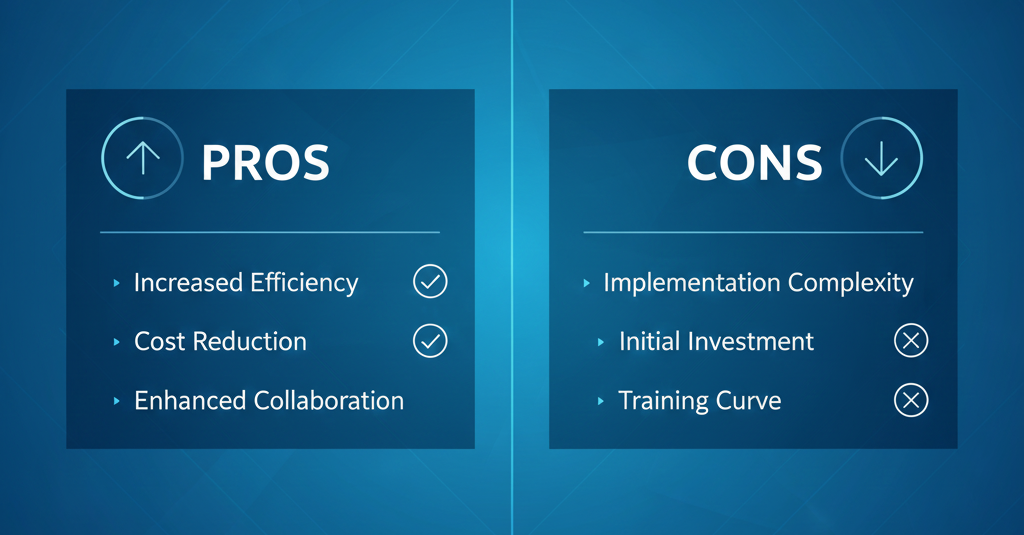
    split-screen layout showcasing clear pros and cons. Sleek professional blue corporate palette with refined gradients. Minimalist iconography with sharp vector clarity. Balanced composition, strong visual hierarchy, crisp typography, and modern presentation style reminiscent of premium corporate slide design.

    The Cons

    1. Higher Upfront Cost

    A good Shopify developer isn’t cheap.

    Salary, benefits, software, training, and onboarding can stack up quickly.

    2. Limited Skill Range

    Shopify developers usually specialise in certain areas—theme development, Liquid, frontend work, backend automation, or app development.

    But Shopify often requires a mix of:
    • UX/UI knowledge
    • Design sense
    • CRO expertise
    • API integrations
    • Store operations understanding

    One person can’t cover the entire spectrum as well as a full agency team.

    3. Risk of Dependency

    If the entire technical knowledge of your store depends on one person, you can get stuck.

    When they take leave, resign, or burn out, your whole system can be disrupted.

    This is a silent but very real risk for ecommerce brands.

    One person can’t cover the entire spectrum as well as a full agency team.

    4. Continuous Training Is Necessary

    Shopify evolves fast—new APIs, new checkout rules, new performance guidelines, new theme architecture.

    If you hire in-house, you commit to keeping them trained, skilled, and updated.

    Without this, your store will eventually fall behind.

    5. Not Ideal for Small Stores

    If your brand only needs occasional updates and small fixes, a full-time developer becomes unnecessary overhead. You’ll end up underutilising them—essentially paying for idle hours.


    So, Should You Hire In-House?

    Hiring an internal Shopify developer makes sense if:
    • your store is scaling fast,
    • you ship features constantly,
    • you need consistent output,
    • you value speed and collaboration, and
    • you want long-term technical stability.

    But if your store is still small, only needs occasional work, or you prefer flexible costs, an external developer or agency may be more practical.

    There’s no universal answer—it depends on your brand’s growth stage, technical needs, and capacity to invest.

    What’s certain is this: your Shopify store grows as strong as the people building and maintaining it.