Tag: Shopify Themes

  • Shopify Product Pages: Why Yours Aren’t Converting (And How to Fix Them)

    Shopify Product Pages: Why Yours Aren’t Converting (And How to Fix Them)

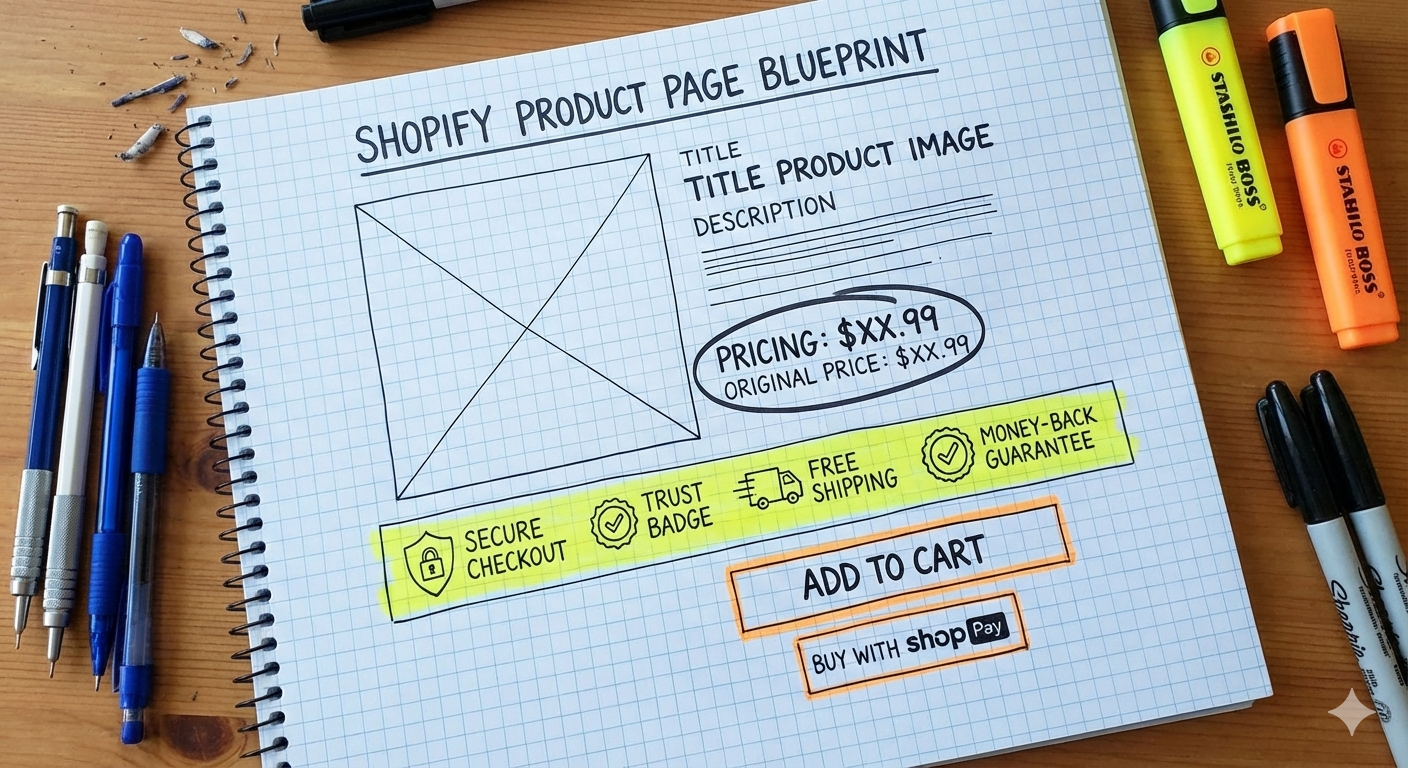
    Shopify product pages play a bigger role in conversions than most store owners realise. You can have strong ads and steady traffic, but if your product pages don’t clearly communicate value, build trust, and guide action, sales will stall. This article breaks down why most Shopify product pages aren’t converting — and what needs to change.

    A product page has one job: turn interest into confidence, then confidence into action.

    If it fails at any step, visitors hesitate, scroll, and leave.

    Let’s break down why most Shopify product pages underperform, and what they’re missing.


    1. Your Product Page Explains What It Is, Not Why It Matters

    Many product pages read like a spec sheet.

    Materials. Dimensions. Features. Bullet points.

    Useful? Yes.
    Persuasive? Not enough.

    Shoppers don’t buy features. They buy outcomes. They want to know:

    • How does this improve my life?
    • What problem does this solve for me?
    • Why is this better than the alternatives?

    If your product description doesn’t quickly answer “why should I care?”, you’ve already lost attention.

    Related read: Why Most Shopify Stores Don’t Convert (And It’s Not Your Ads)


    2. Unclear Value Propositions on Shopify Product Pages

    When someone lands on your product page, clarity must come first.

    However, many pages hide the value behind:

    • long paragraphs
    • generic headlines
    • marketing fluff that says everything and nothing

    Visitors should immediately understand:

    • who the product is for
    • what makes it different
    • why it’s worth the price

    If they need to scroll to figure that out, friction creeps in.


    3. You’re Not Building Enough Trust

    Online shopping is built on trust, especially for lesser-known brands.

    Yet many product pages lack:

    • social proof (reviews, testimonials, UGC)
    • clear shipping and returns information
    • reassurance around quality and support

    Without trust signals, hesitation grows.
    And hesitation kills conversions quietly.

    Even a great product won’t sell if buyers feel uncertain about delivery, returns, or legitimacy.
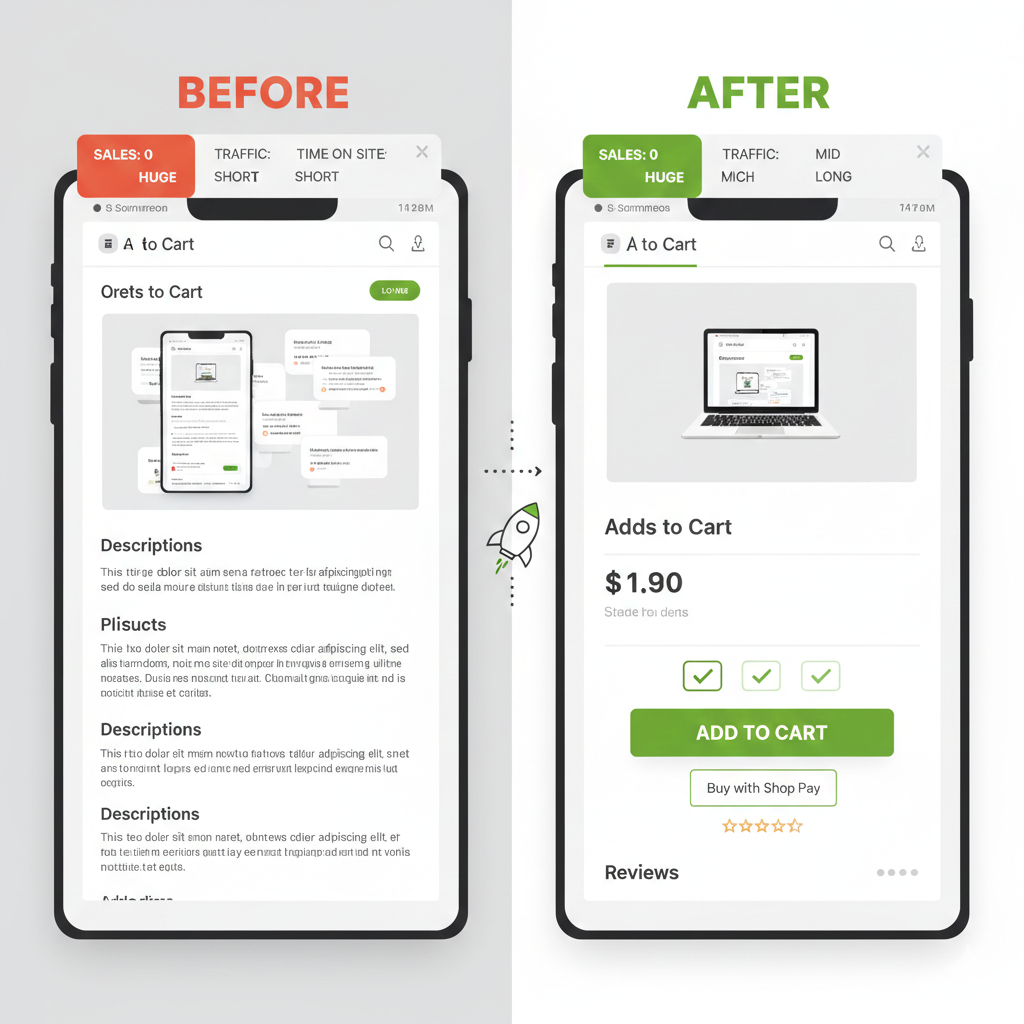

    4. Your Mobile Experience Is Working Against You

    Most Shopify traffic is mobile.
    Many product pages are still designed desktop-first.

    Common mobile issues include:

    • oversized images pushing key info too far down
    • long blocks of text that feel exhausting to read
    • add-to-cart buttons that disappear while scrolling

    If your product page is frustrating on a phone, users won’t “power through.”
    They’ll exit.


    5. Poor CTA Timing on Shopify Product Pages

    Timing matters.

    Some product pages push “Add to Cart” before trust and value are established.
    Others bury the CTA after endless content.

    A strong product page guides users:

    • first with clarity
    • then with reassurance
    • finally with a confident, visible call to action

    Conversion is a sequence, not a single button.


    The Real Fix: Treat Product Pages as Sales Pages

    Your product page isn’t a catalog entry.
    It’s a salesperson that works 24/7.

    When it explains clearly, builds trust, and removes friction, ads suddenly “work better” — without changing the ads.

    That’s not magic.
    That’s fundamentals.


    Need a Shopify developer or specialist to audit and improve your product pages? Reach out and let’s see how we can improve your store.


  • How to Start as a Shopify Store Manager

    How to Start as a Shopify Store Manager

    There’s a reason Shopify skills are in such high demand. Businesses rely on it. Brands scale with it. And the people who know how to operate it—really operate it—often find themselves landing roles that pay far better than typical admin, retail, or junior digital-staff positions. A strong Shopify store manager is valuable, and companies know it.

    Whether you’re upskilling for a new career path or you’ve been thrown to the wolves as your company’s newly crowned in-house “Shopify guru,” there’s a very real opportunity here. With the right foundation, you can go from zero experience to someone who commands respect—and solid earnings—in the ecommerce world.

    These three steps will help you get from zero to “I actually know what I’m doing.”

    Image of a Shopify expert sitting in front of a laptop while money is raining down

    1. Set Up a Development Store

    This is your playground. No pressure, no clients, no real customers—just a safe space to break things, fix things, and explore everything inside Shopify.

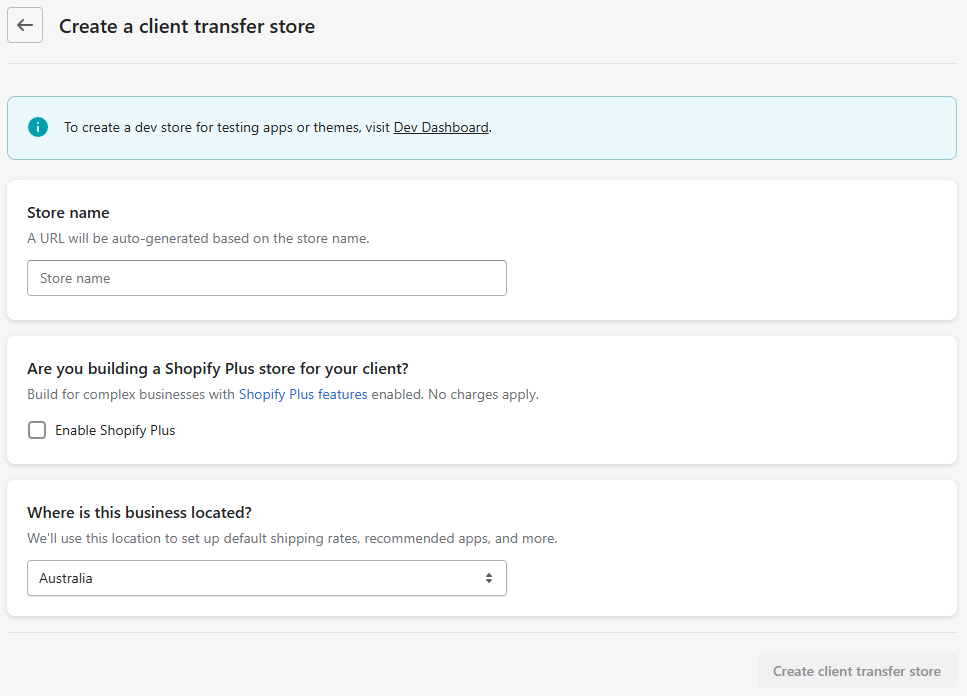
    Through the Shopify Partner Dashboard, create a new client transfer store and jump straight into the admin. You’ll see how orders, pages, collections, and settings all connect. It’s the closest thing to driving a car in an empty parking lot before hitting real roads.

    Screenshot of create a client transfer store page in Shopify partner dashboard

    2. Upload Dummy Products

    A store without products is like a house without furniture—you can walk through the rooms, but you don’t really understand how they feel.

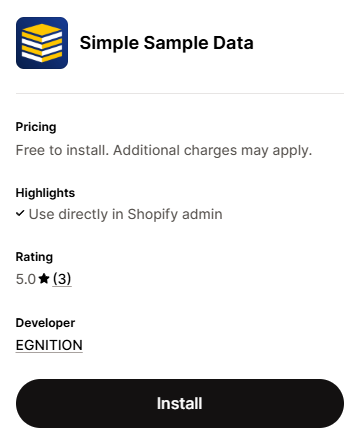
    Use a dummy product generator app or have AI create a CSV for you. Add multiple products, collections, images, variants—anything that lets you see how a real store behaves.

    Once the store has items to display, the whole dashboard begins to make sense. Inventory tables stop feeling abstract. Product settings click. Merchants’ workflows feel more real.

    3. Customise the Theme

    This is the moment everything comes together.

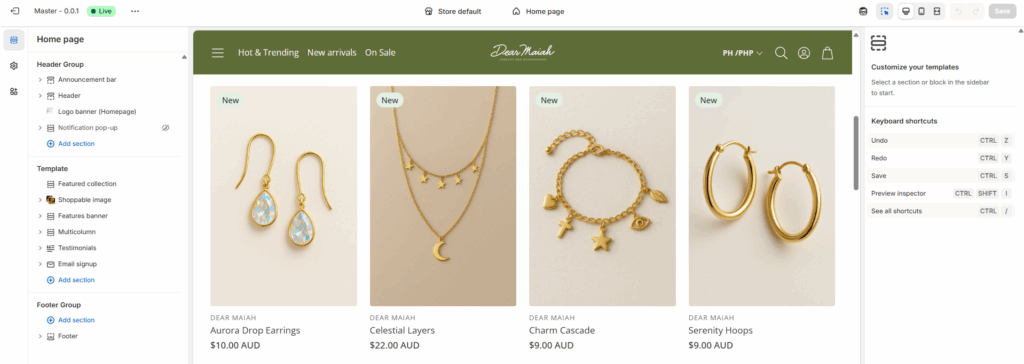
    Open the Online Store Editor and start tinkering with the homepage, product page, and collection page.

    Screenshot of the Shopify theme editor.

    Change layouts, test sections, edit settings, try different images, and explore how content shows up on the front end. Each tweak teaches you how Shopify themes think—because themes aren’t just design; they’re structure, rules, and logic.

    “Shopify isn’t a single tool—it’s an ecosystem.”

    Read: The Top 5 Things You Need to Know to Be a Shopify Expert

    By the time you finish these three steps, the Shopify platform won’t feel intimidating anymore. You’ll understand how information moves from the admin to the storefront, and you’ll have enough confidence to explore deeper skills like Liquid, theme development, and app-based workflows.

    This is your first foundation. The rest builds from here.